
Douzo
Nearby sharing for iPhone, iPad & Android
Good momentsPassed along
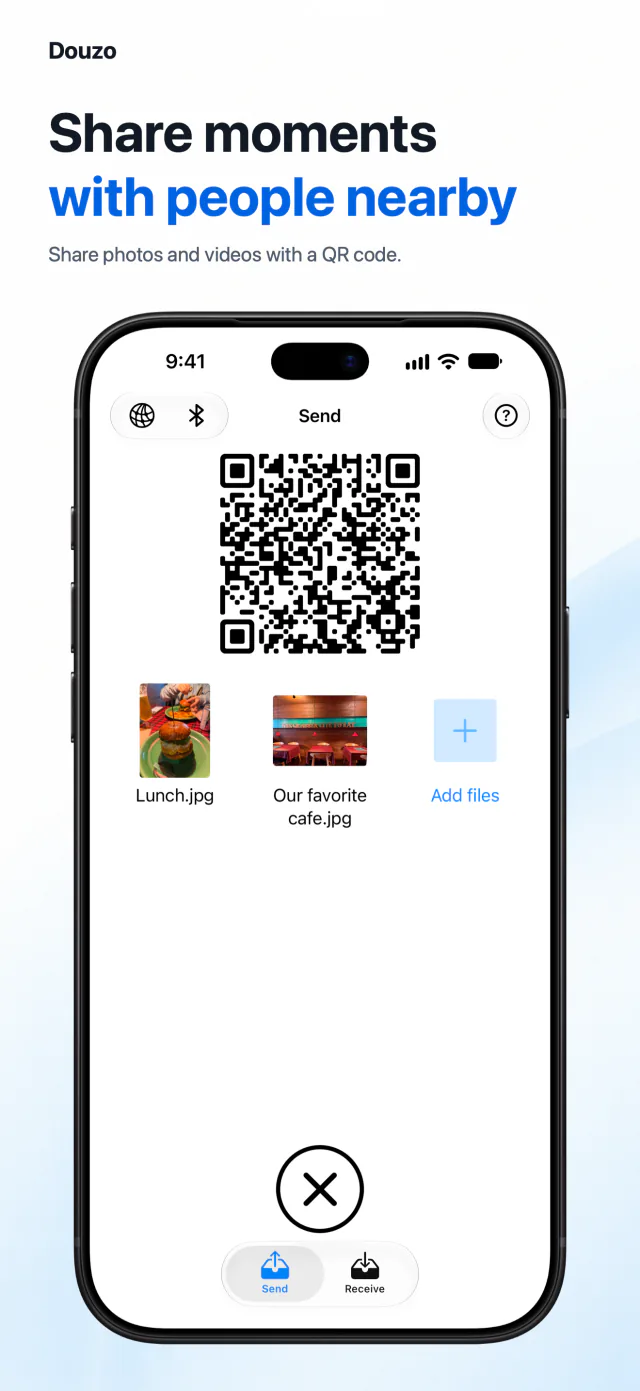
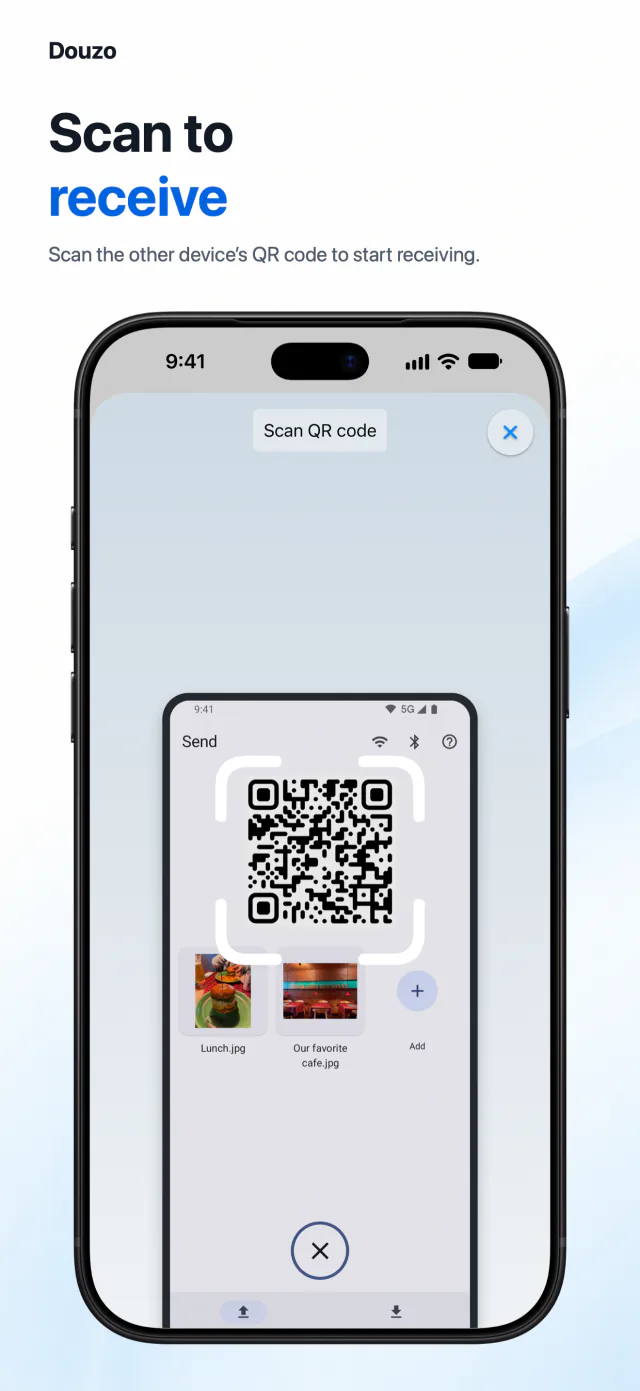
Share photos and videos with someone nearby by scanning a QR code. No account or cloud storage needed.

Here from a QR code? Install Douzo, then open it and scan the sender’s code again.
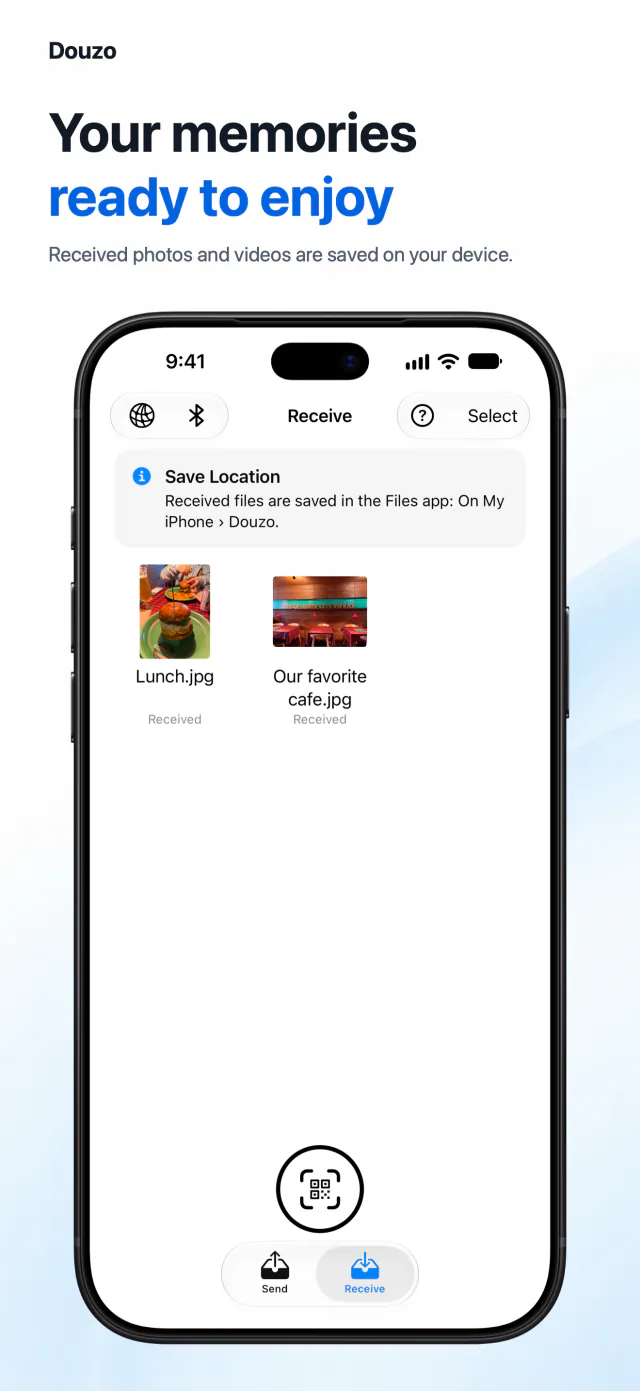
Pick. Scan. Receive.
A few simple steps, from your device to theirs.
No account needed
Open the app and start sharing. No registration or login.
Straight to their device
Photos and videos travel over a local connection without passing through cloud storage.
Encrypted in transit
Your photos and videos are encrypted while they move between devices.